
Featured Guests
Sue Hass, Marketing Manager at AE2S
Webinar Summary
We’re excited to share this tour of Drop, AE2S’s Synthesis 6 intranet. Your tour guide will be Sue Hass, Marketing Manager and Intranet Champion.
AE2S launched the new Drop to all employees on March 29th, after a roughly four month transition effort.
In this Intranet Tour, Sue shares:
Inspiring examples of intranet content and communications that Sue and the AE2S team built during their transition to Synthesis 6
What AE2S users are enjoying the most about the new Drop
Synthesis 6 transition strategies and lessons learned
A “cheat sheet” they created to help content editors determine the best Synthesis 6 tool for their content needs. You can download it here.
Webinar Timeline
INTRANET TOUR
01:50 Overview of Communities
02:20 Home: Drop 101, Office Locations, Company History, ESOP Guide
05:00 Practice: Instrumentation & Controls Knowledge Base Guide, I&C Posts
06:20 Project Management Manual Guide
07:23 CAD Manual Guide
08:30 Proposal Archive Document Library
10:00 Presentation Archive Document Library
10:35 Employee Directory: Licensed Professionals View
11:25 Employee Block: Certified Drone Pilots
11:55 Project Directory: Filtered Views Smart Nav Block
13:20 Project Directory: Map View
14:30 Project Directory: Filtered View Links
14:55 Search Optimization: Best Bets
15:25 Branding
TRANSITION PROCESS
16:39 Introduction to Process
17:40 Transition Timeline Overview
19:00 Navigation
20:45 Onboarding
21:30 Migrating Content
23:30 Redesign vs Lift and Shift
24:25 Which Tools to Use When
25:50 Onboarding Content Editors (Post Launch)
27:30 Managing Content During the Transition}
29:50 Employee Training (Post Launch)
30:45 Re-Launch Communications
QUESTIONS
34:30 How does your team use the Proposal Archive and Presentation Library? Are the files also saved on SharePoint?
36:20 How did you get your content managers to think about the new features and reorganize their content with them in a new way?
37:30 How many people did you have managing the site pre-transition, during transition, and now?
39:15 Which projects do you show on the intranet and who manages that information?
40:32 Do you have a sense of what project information employees are finding most valuable?
41:30 Where did the ESOP calculator come from?
42:00 Did you do any tree testing of your information architecture?
42:10 How are you using the stream and how are you managing that content?
More Case Study Webinars
Featured Guests
Andrea Moede, Knowledge Specialist, EUA
Jim Martin, Vice President and CIO, Shepley Bulfinch
Marco Marcoccia, Manager, Knowledge Management, Turner Fleischer
Webinar Summary
How do you transfer knowledge from retiring experts?
AEC firms have been working on this challenge for years with varying degrees of success. What’s changing is how easily we can capture that expertise and make it useful. Video, transcription, and AI agents are creating new possibilities for helping employees learn from their colleagues’ experience and apply it in the flow of work.
In this 90-minute webinar, EUA, Shepley Bulfinch, and Turner Fleischer shared three approaches to expert knowledge transfer, supported by Synthesis Knowledge Agents:
EUA is preserving 25 years of specifications questions and answers from a retiring expert through a Knowledge Agent called Marty+, with a dedicated team maintaining and growing that knowledge.
Shepley Bulfinch brought employees into one-on-one interviews with retiring leaders, creating immediate learning opportunities and a collection of recorded expertise others can explore through a Knowledge Agent.
Turner Fleischer captured a retiring senior contract administrator’s experience through guided conversations, then used a Knowledge Agent to help identify lessons, knowledge gaps, and opportunities to improve practice guidance.
Following the presentations, Susan Strom, Chief Client Officer at Knowledge Architecture, facilitated a conversation about encouraging experts to share, designing useful interviews, maintaining captured knowledge, and where human relationships and judgment remain essential.
One of the most important insights emerged toward the end of the conversation: these approaches don’t just apply to retiring experts.
An upcoming retirement can create urgency, but the broader opportunity is to continuously preserve, strengthen, and scale the critical capabilities your firm depends on to succeed. Whenever difficult-to-replace and highly useful knowledge is concentrated in a single person or a few people, AEC firms can proactively use the techniques shared in this webinar to transfer that knowledge more broadly through their organizations.
Featured Guests
Katie Robinson, Chief Marketing and Knowledge Officer, LS3P
AJ Zandt, Marketing Specialist and Content Writer, EUA
Shayna Lindeman, Senior Communications Specialist, Muller Engineering
Webinar Summary
AEC marketing teams have spent years building and maintaining some of the richest knowledge collections inside their firms: structured CRM data, employee resumes, project descriptions, proposal language, client testimonials, past proposals, market research, and insights captured from subject matter experts.
Synthesis Knowledge Agents offer a new way to put all of that knowledge to work by helping marketing teams find, connect, and apply what their firms already know. The result can be faster workflows, stronger content, and fewer repetitive demands on both marketing teams and the subject matter experts they rely upon.
In this 90-minute webinar, Katie Robinson, Chief Marketing & Knowledge Officer at LS3P; AJ Zandt, Marketing Specialist and Content Writer at EUA; and Shayna Lindeman, Senior Communications Specialist at Muller Engineering, shared the marketing knowledge agents their firms are building and using as participants in the Synthesis Knowledge Agents beta.
Through three 15-minute case studies, they demonstrated real-world agents designed to support marketing, business development, and communications. Their examples showed how firms are using knowledge agents to reduce repetitive work, uncover relevant experience and evidence, and give marketing teams a stronger starting point for creating thoughtful, tailored content.
We explored:
How firms are identifying high-value opportunities for marketing knowledge agents
How agents help teams research RFPs, surface hard-to-find project evidence, and turn it into stronger proposal language, resumes, and qualifications
How agents can reduce repetitive work and make the day-to-day experience of marketing professionals more productive and rewarding
How agents can reduce demands on subject matter experts, allowing them to spend more time on billable work and serving clients
How firms are structuring grounding knowledge and instructions to produce useful, trustworthy results
What marketing teams are learning as they build, refine, and introduce agents within their firms
Where human expertise and judgment remain essential
How agent ownership and content stewardship may reshape the role of AEC marketing teams
Following the presentations, Susan Strom, Chief Client Officer at Knowledge Architecture, facilitated an open conversation with the speakers and audience about what it takes to build useful agents, what these early implementations are revealing, and where marketing knowledge agents may go next.

Featured Guests
Christopher Parsons, Founder and CEO, Knowledge Architecture
Webinar Summary
Over the last two years, Synthesis has evolved from a social intranet into an integrated knowledge, learning, and AI platform for AEC firms.
In this webinar, I shared the next phase of that evolution and demonstrated how new Synthesis LMS, AI, and integration capabilities are coming together to help firms put their knowledge to work.
We explored:
How the Search Connector API enables firms and technology partners to build custom connectors and bring more firmwide knowledge into Synthesis
How firms are using Synthesis Knowledge Agents across informational, creation-based, and process-based use cases
How the Synthesis MCP Server connects Claude, ChatGPT, Copilot, and other compatible AI platforms to a firm’s knowledge and learning foundation in Synthesis
How Assignments, Recommendations, and Notifications in Synthesis LMS will help firms deliver the right learning to the right people at the right time
How SCORM support in Synthesis LMS will allow firms to centralize access to courses from learning-content partners and the course-authoring platforms they choose
The emerging vision for the Synthesis Knowledge Marketplace, which will bring trusted industry expertise into a firm’s knowledge, learning, and AI ecosystem
This session is useful for current Synthesis clients, firms evaluating Synthesis, and AEC leaders responsible for knowledge management, learning and development, technology, AI, and digital transformation.
Enjoy!
Featured Guests
Nicole Rogers, Senior Principal and Director of Architecture
Graham Parker, Knowledge Manager
Webinar Summary
What changed when SMRT Architects & Engineers implemented Synthesis wasn't just the platform. It was the mindset.
After four intranet iterations spanning nearly two decades — from hand-coded HTML to ThoughtFarmer to SharePoint — SMRT, a 130-person integrated architecture and engineering firm based in Portland, Maine, made a different kind of commitment. They decided that internal work is real work, that their firm is a worthy client, and then treated their Synthesis implementation accordingly.
Nicole Rogers served not just as executive sponsor, but as principal in charge. Graham Parker, who had already proven the ROI of data-driven process improvement on the accounting side of the business, moved into a dedicated knowledge management role. A project number was created in Deltek. Hours were tracked on timesheets. The implementation got the same rigor and attention SMRT gives its external clients and the results showed.
That investment didn't end at go-live. Nicole has continued to drive adoption at the senior leadership level because SMRT understands that launching Synthesis is just the beginning, not the finish line. Meanwhile, Graham has expanded his work into AI, helping build the digital knowledge foundation that makes tools like Synthesis Knowledge Agents and AI Search valuable.
Knowledge management can't be the ninth thing on somebody's to-do list in the AI era. SMRT's story is a case study in what happens when it isn't.
In this webinar, Nicole Rogers, Senior Principal and Director of Architecture, and Graham Parker, Knowledge Manager, share their firm's story — from the organizational shifts that unlocked knowledge management to a live look at where they're headed with AI and learning management.
We explore:
How treating the Synthesis implementation like a real client project changed the outcome
The change management and internal marketing work that drove adoption before, during, and after launch
How Nicole's continued executive sponsorship keeps the platform alive and growing past go-live
How and why Graham moved from the finance team to a dedicated knowledge management role
What it takes to build the digital knowledge foundation that enables AI agents to actually deliver value
A live tour of CALVIN, SMRT's Synthesis platform, and a look at their early work with Synthesis Knowledge Agents and LMS
If your firm has struggled to give its knowledge management program real momentum, SMRT's story offers an honest, hard-won perspective on what it actually takes: the right investments in mindset, people, process, and culture — alongside the right technology.
Enjoy!
Featured Guests
Christopher Parsons, Founder and CEO, Knowledge Architecture
Webinar Summary
Knowledge agents are emerging as one of the most promising applications of AI for AEC firms—helping teams accelerate learning, scale expertise, and streamline workflows.
In this webinar, Christopher Parsons, Founder and CEO of Knowledge Architecture, will provide a live demonstration of Synthesis Knowledge Agents, showing how agents are created, refined, and deployed to solve real business problems.
Along the way, Christopher will share what we're learning from firms participating in the Synthesis Knowledge Agents private beta, highlighting the patterns and strategic insights emerging from early adoption.
We'll explore:
A live demonstration of Synthesis Knowledge Agents, including how to create and refine agents from scratch
Real-world examples spanning informational, creation-based, and process-based use cases
The progression from informational AI assistants to workflow-transforming knowledge agents
The common characteristics shared by firms making the fastest progress with knowledge agents
How firms are capturing and structuring knowledge to power more capable agents
Where knowledge agents are headed and what that means for AEC firms
This session offers a practical look at how knowledge agents are evolving and what early adopters are teaching us about the future of AI-enabled work in AEC firms.
Enjoy!
Featured Guests
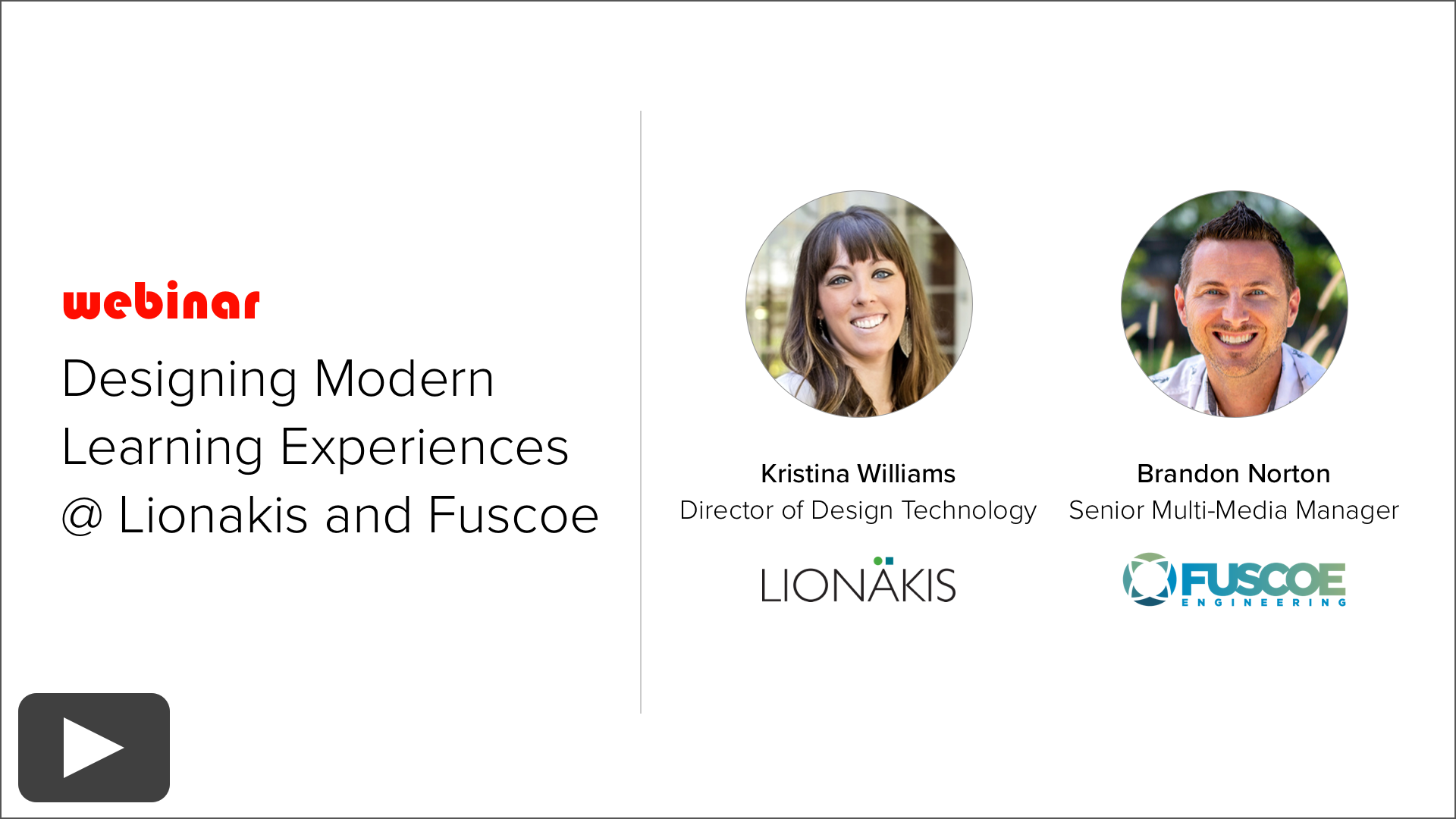
Kristina Williams, Design Technology Director at Lionakis
Brandon Norton, Senior Multi-Media Manager at Fuscoe Engineering
Webinar Summary
As AEC firms rethink how knowledge and expertise are shared internally, learning is beginning to move beyond traditional training formats. Instead of relying solely on live sessions or long recordings, firms are increasingly designing learning experiences that are shorter, more flexible, on-demand or hybrid, and accessible in the flow of work.
This shift is being accelerated in the Knowledge Architecture community by Synthesis, a platform built for Modern Learning Organizations, that combines intranet knowledge, learning management systems, AI-powered search, and knowledge agents to enable employees to discover and apply expertise exactly when they need it.
In this webinar, Kristina Williams, Director of Design Technology at Lionakis, and Brandon Norton, Senior Multi-Media Manager at Fuscoe Engineering, shared how their firms are designing modern learning experiences that take advantage of this new paradigm.
Each presented a case study of a high-priority learning experience their firm is building or modernizing—experiences designed not only for formal learning, but also to support self-directed exploration, knowledge reuse, recall, and AI-powered discovery through Synthesis.
We explored:
How firms are identifying high-value opportunities to modernize learning experiences
How learning content is being structured for both human learning and AI-powered retrieval
How on-demand courses and hybrid learning experiences are designed to support self-directed learning
What early feedback firms are receiving from staff using these new formats
Lessons learned from the first generation of modern learning experiments
What these efforts may mean for the future of knowledge management, learning, and firmwide expertise development
Each speaker shared a 20-minute case study, followed by discussion and open Q&A.
This session offered a practical look at how firms are beginning to redesign learning experiences for a new era—one where knowledge, learning, AI search, and knowledge agents work together to help employees access the right expertise at the right time.
Enjoy!